

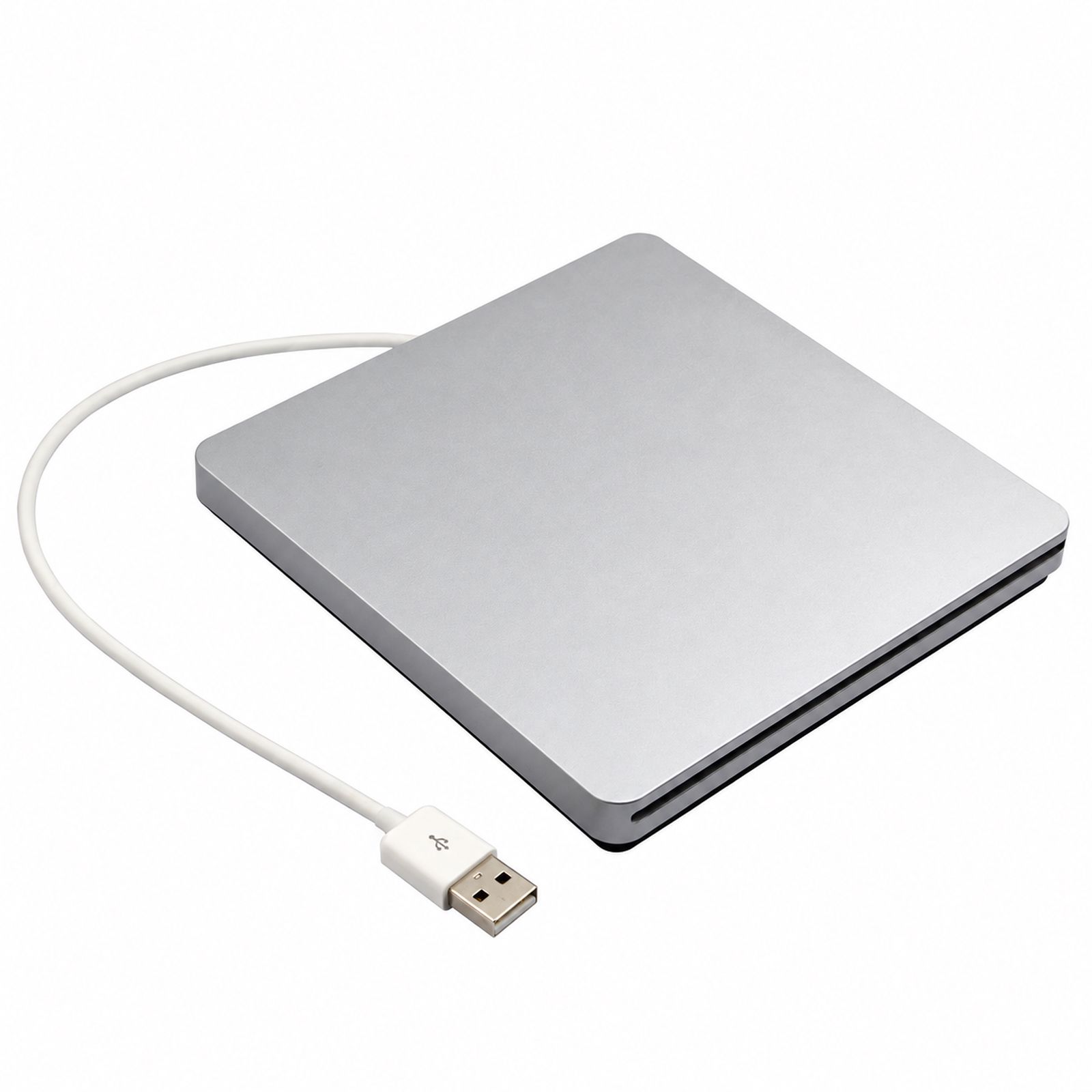
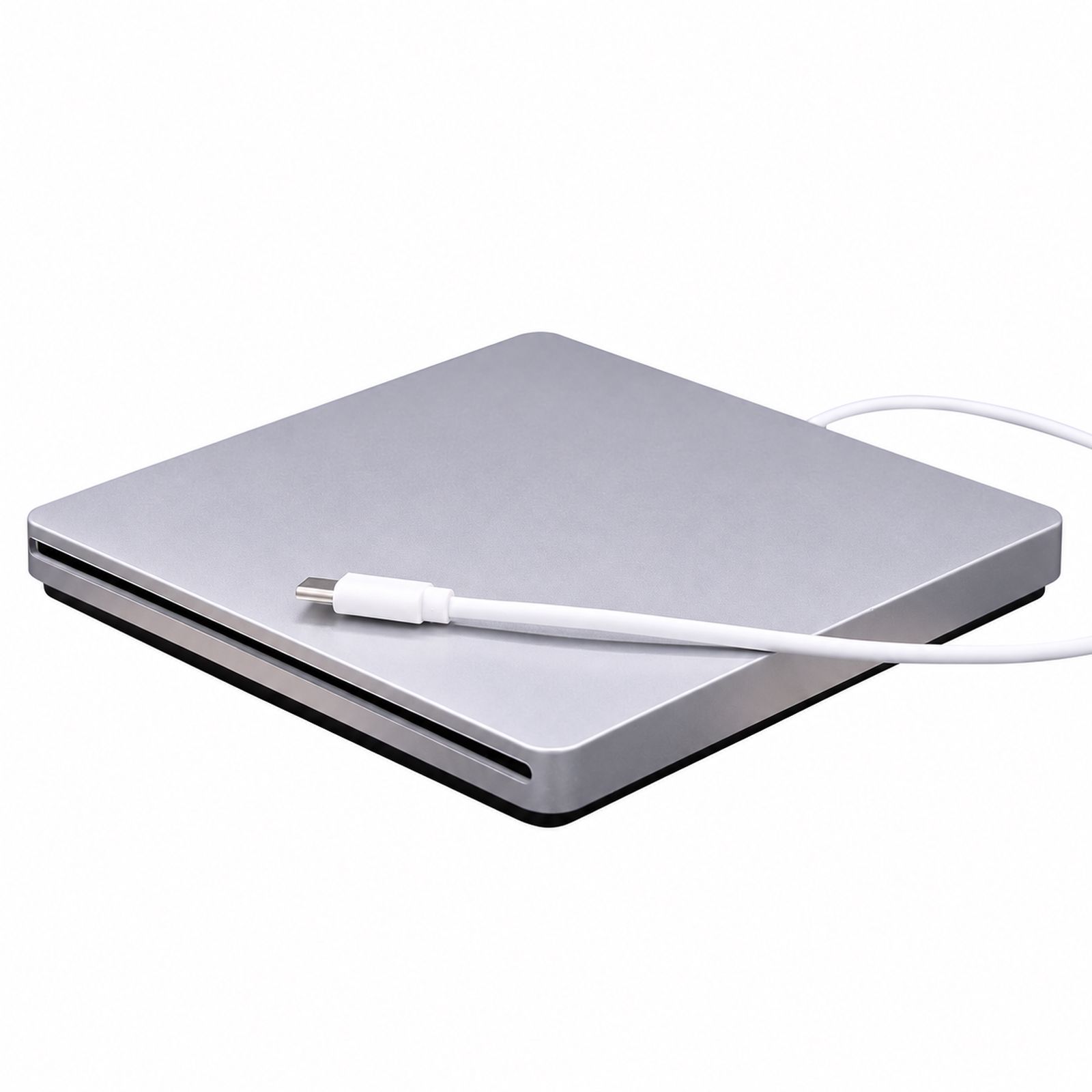
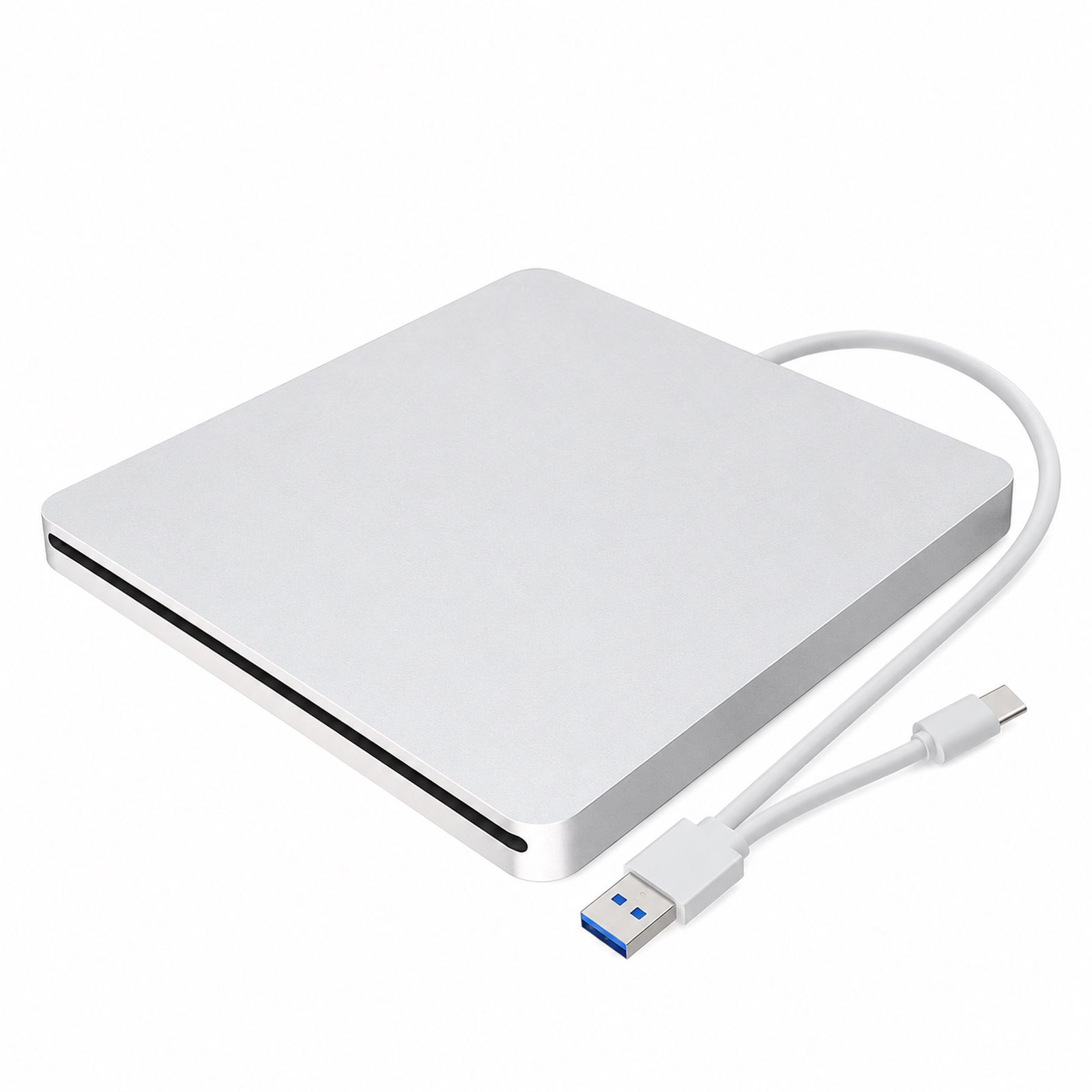
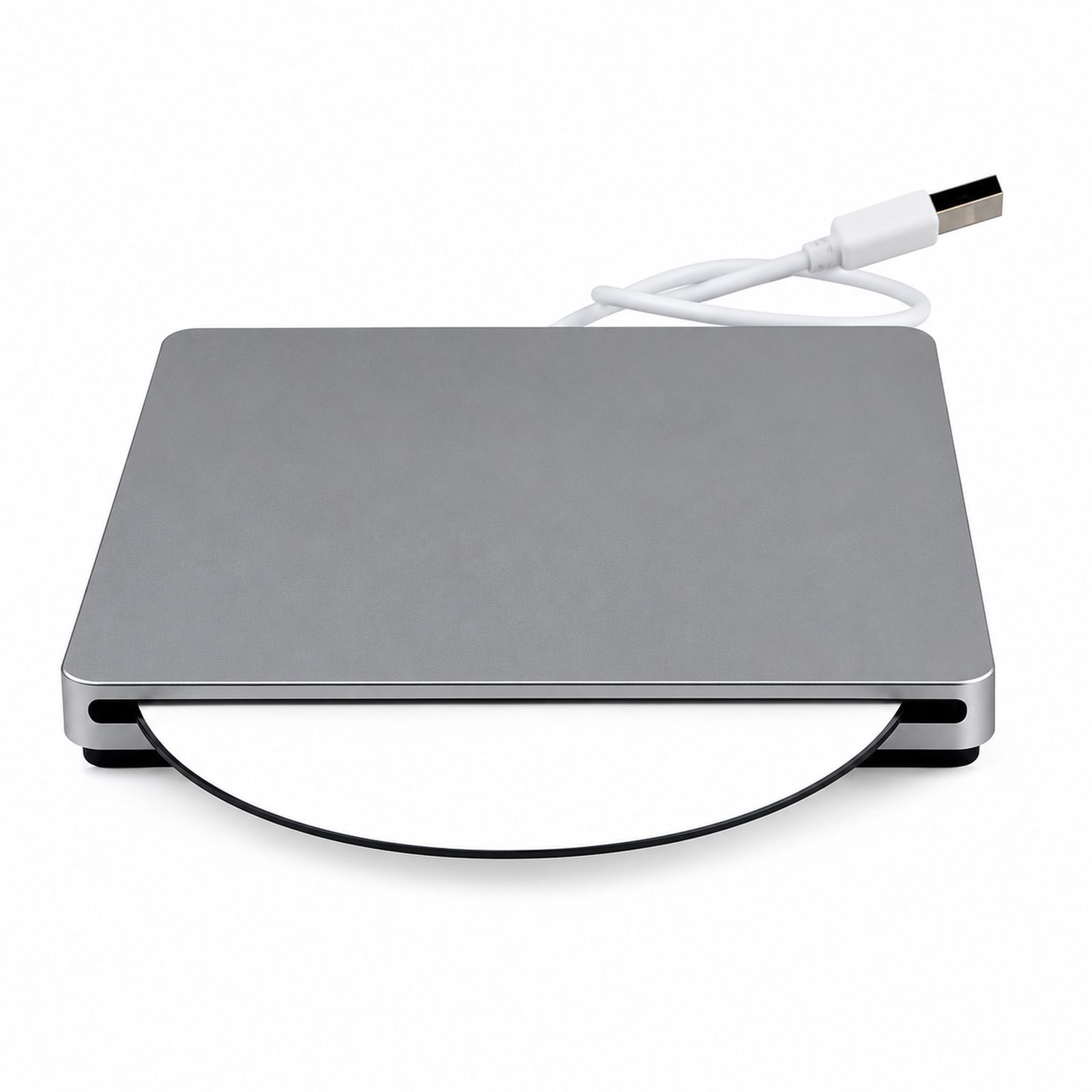

Type: Combo/COO
Installation method: External
Cache capacity: 2
Interface type: USB
Optical disc loading method: Slot-loading
Disc formats read: DVD, VCD, CD
Read speed: CD 24X
Write speed: CD 24X
Dimensions: 14*14*1.7CM
Product weight: 0.45
Package contents: Optical drive, data cable, instruction manual, box
Supported disc standards: CD-ROM
Maximum DVD burning speed: Not supported
Burning format: COO
Colors: Silver USB, Silver Type-C, Silver USB + Type-C
Specifications: External
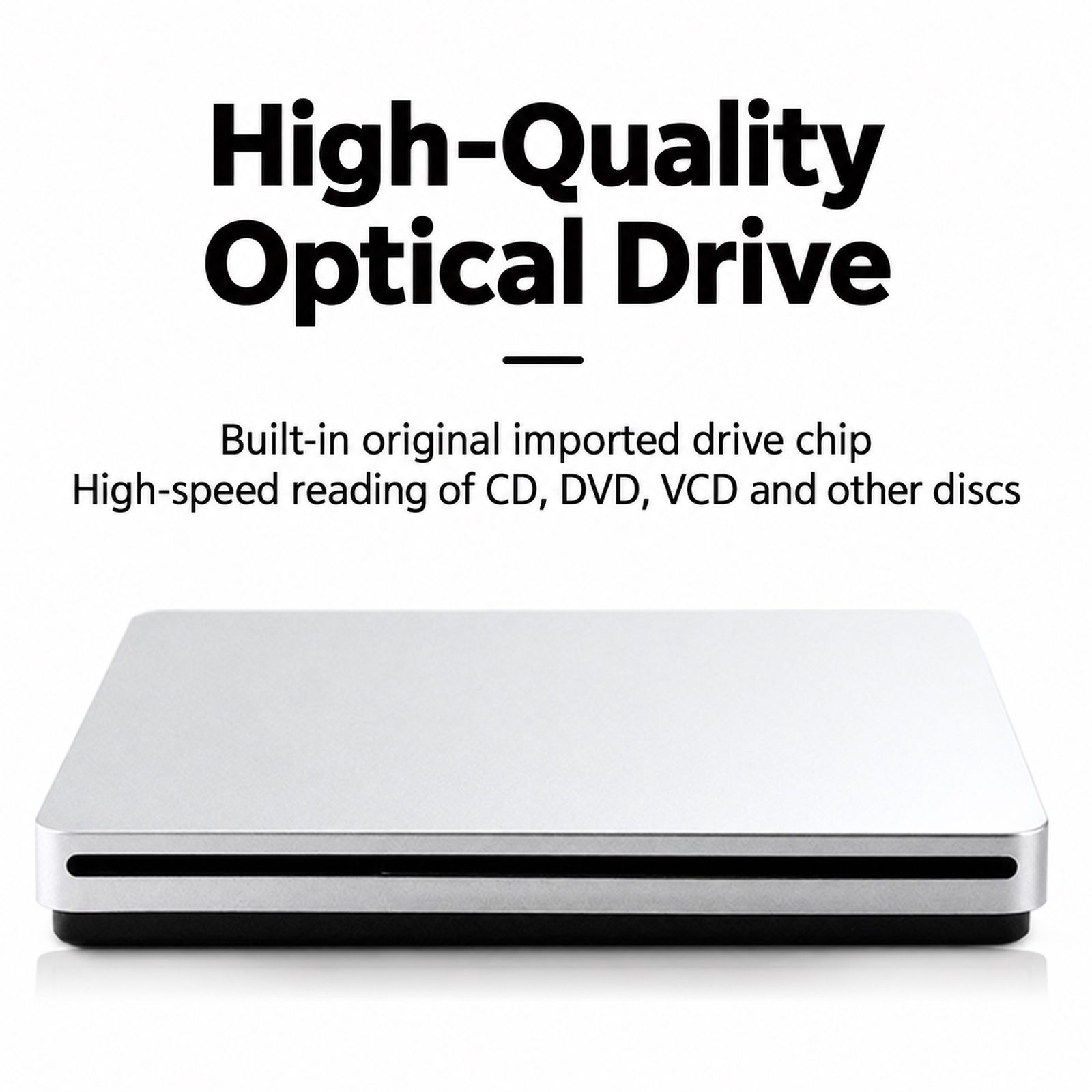
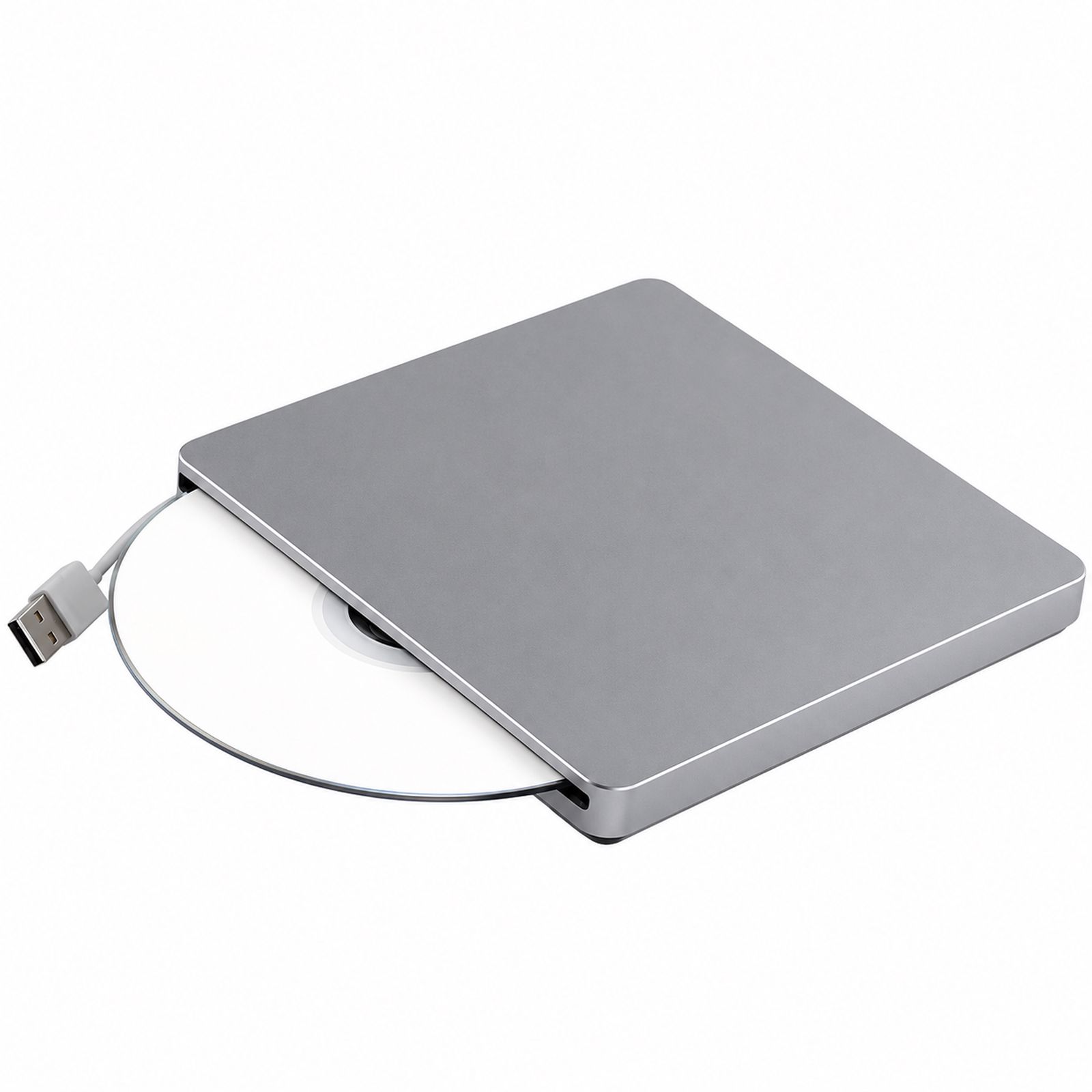
Packaging dimensions: 18*18*3CM. The external optical drive adopts a slot-loading mechanism design, making it slim and portable. It comes with a data cable and is plug-and-play, requiring no additional drivers.
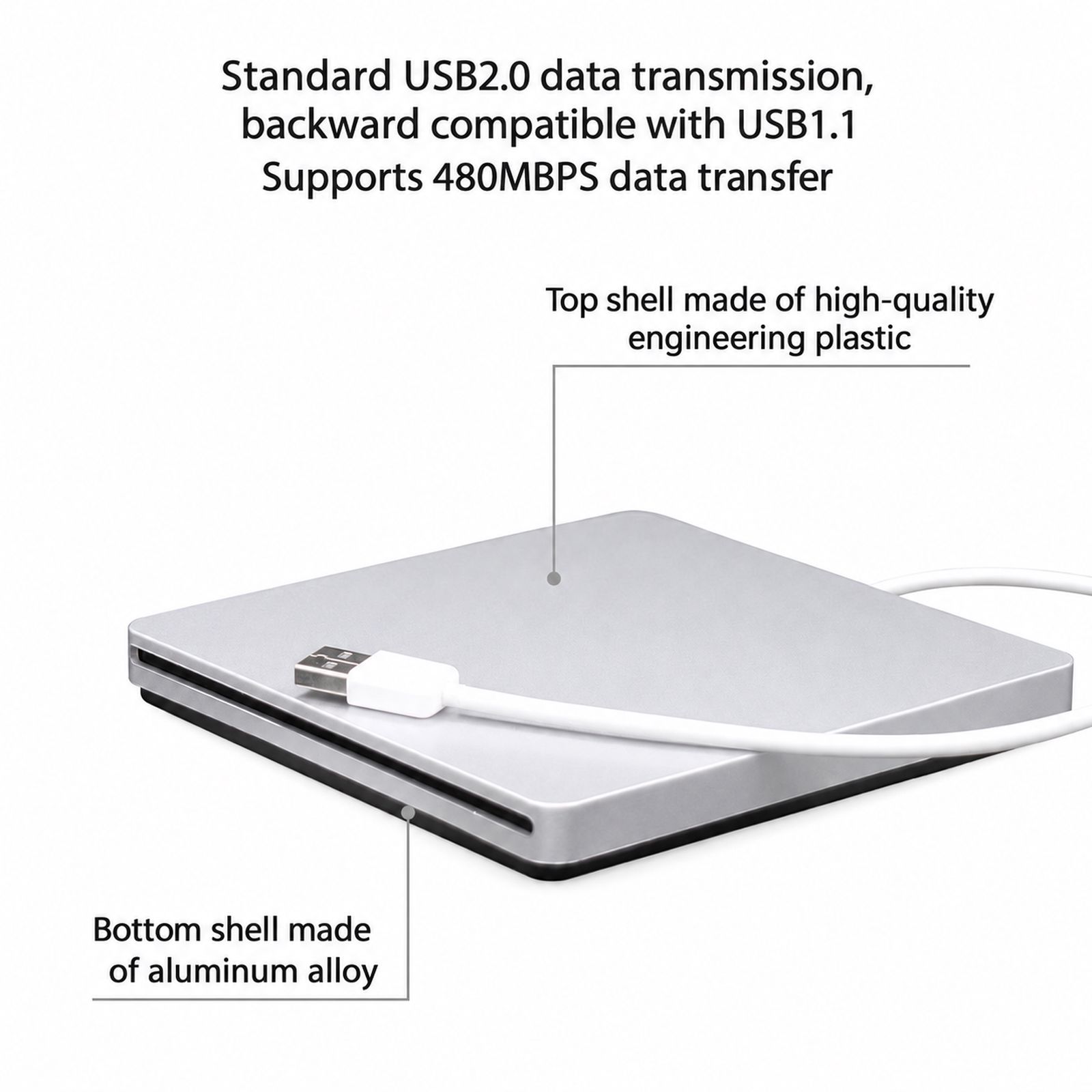
The top cover is made of high-quality engineering plastic, while the bottom cover is made of aluminum alloy, balancing lightweight design with durability. It features a standard USB 2.0 interface, backward compatible with USB 1.1, and supports data transfer speeds up to 480Mbps.
It adopts a silent mechanism for stable performance and features built-in shock-absorbing grooves to effectively reduce operating noise. It reads CD, DVD, and VCD discs at high speed, with a maximum DVD read speed of 8X and a maximum CD read speed of 24X.
Supports CD-R burning at 24X and CD-RW burning at 16X. Compatible with multiple operating systems, including Windows 98/SE/ME/2000/XP/VISTA/WIN 7/WIN 8/WIN 10 and MAC OS 8.6 and above.
It is suitable for desktop computers, laptops, all-in-ones, ultrabooks and other devices, and supports multiple uses such as system installation, game installation, video playback, file burning, and music playback.
It supports 12CM optical discs, has product dimensions of 140×140×18mm, a net weight of approximately 380 grams, and is silver in color.
Instructions for use: For desktop computers, please plug the data cable directly into the USB port on the back of the computer case. For laptops, please plug it directly into the USB port on the computer. Do not use the front USB ports or external expansion ports, as insufficient power supply may affect the performance.


