

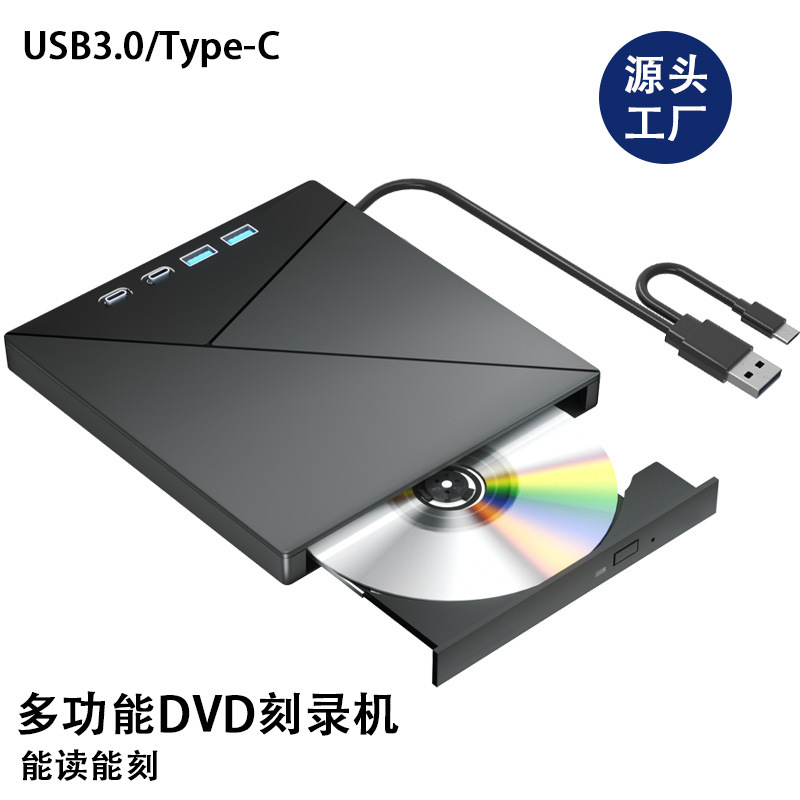
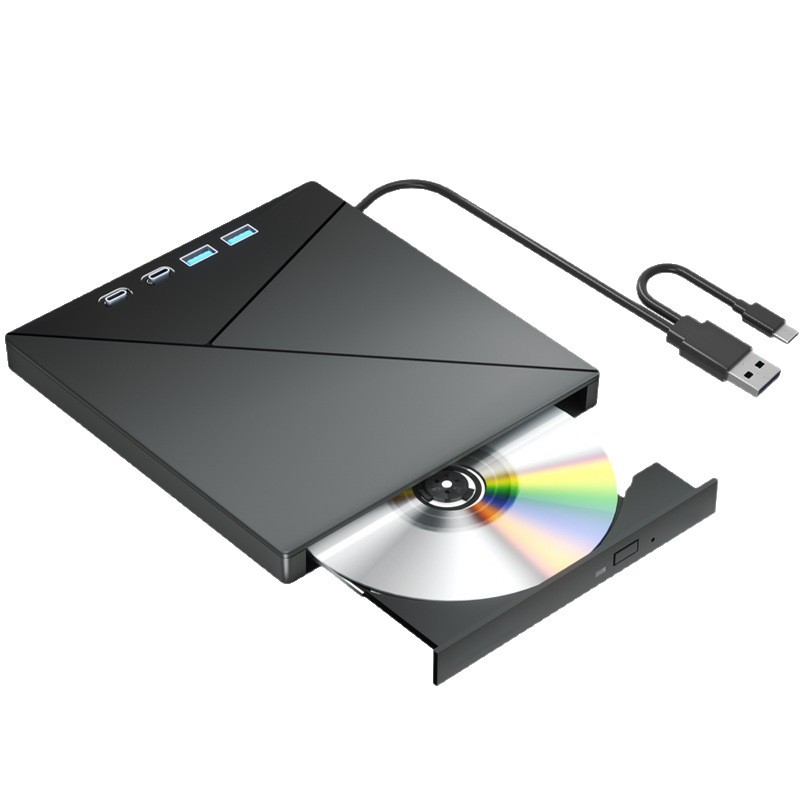
Type: DVD burner
Installation method: External
Cache capacity: 2
Interface type: USB
CD loading method: Tray loading
Disc formats read: DVD, VCD, CD
Read speed: DVD 8X, CD 24X
Write speed: DVD 8X, CD 24X
Dimensions: 16 x 15 x 1.8 cm
Product weight: 0.28KG
Package contents: DVD burner, data cable, power cord, instruction manual
Supported disc standards: DVD, VCD, CD
Maximum DVD burning speed: 8X
Recording formats: DVD, CD
Color: Black
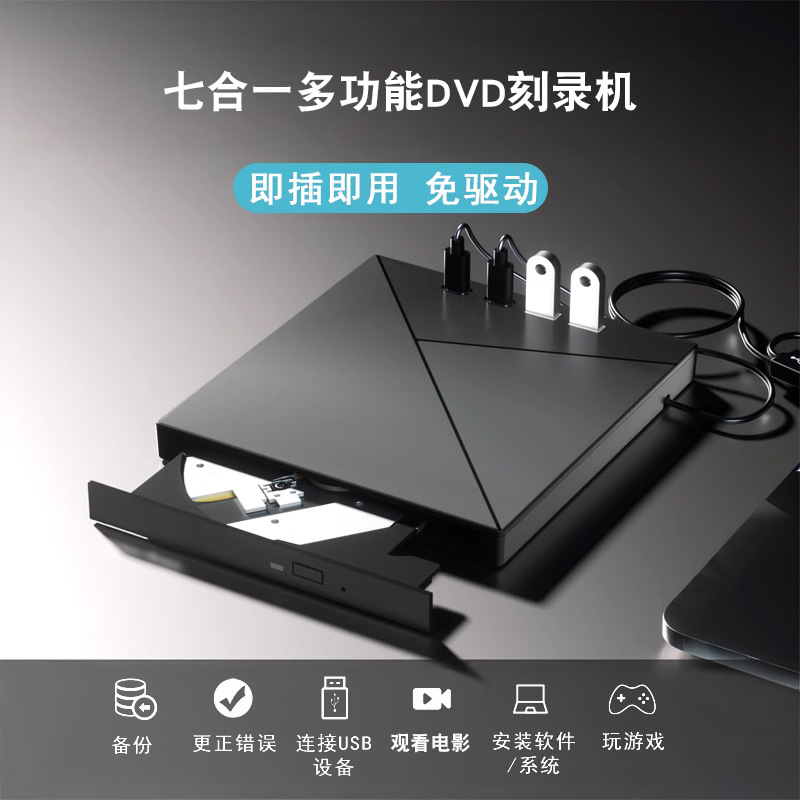
Specifications: The XD0028-D is a multi-functional CD/DVD burner that supports easy reading and writing. It features both USB and Type-C interfaces for plug-and-play operation, requiring no driver installation. Utilizing high-speed burning technology, it offers easy disc reading and efficient burning, with error correction capabilities, ensuring smooth reading and writing without lag or crashes.
This versatile device meets various needs, including creating educational videos, playing movies and TV shows, installing games, creating wedding videos, listening to music, and burning files. It is widely compatible with various optical disc formats, including CD-R, CD-ROM, CD-RW, CD-R/RW, DVD-R/+R, DVD-ROM, DVD-RW, DVD-R/RW, DVD+R, DVD-RDL/+RDL, and DVD-RAM.
It is compatible with multiple operating systems and is suitable for desktops, laptops, all-in-ones and Apple computers. It supports Windows 7/8/10, macOS, Linux and other systems.
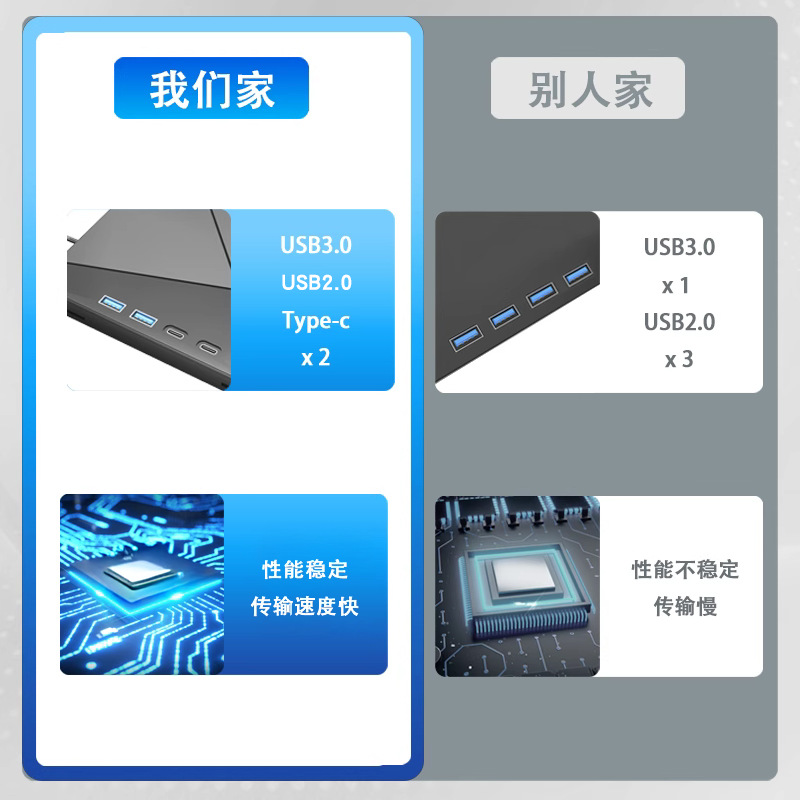
CD read and write speeds reach 24 times faster, and DVD read and write speeds reach 8 times faster. Utilizing USB 3.0 high-speed transmission, it is faster and more stable than USB 2.0, eliminating unnecessary waiting time.
It supports expansion and includes 2 USB ports, 2 Type-C ports, 1 SD card port and 1 TF card port. It supports fast data reading from DSLR cameras and digital cameras, as well as data reading from USB flash drives and mobile phone charging.
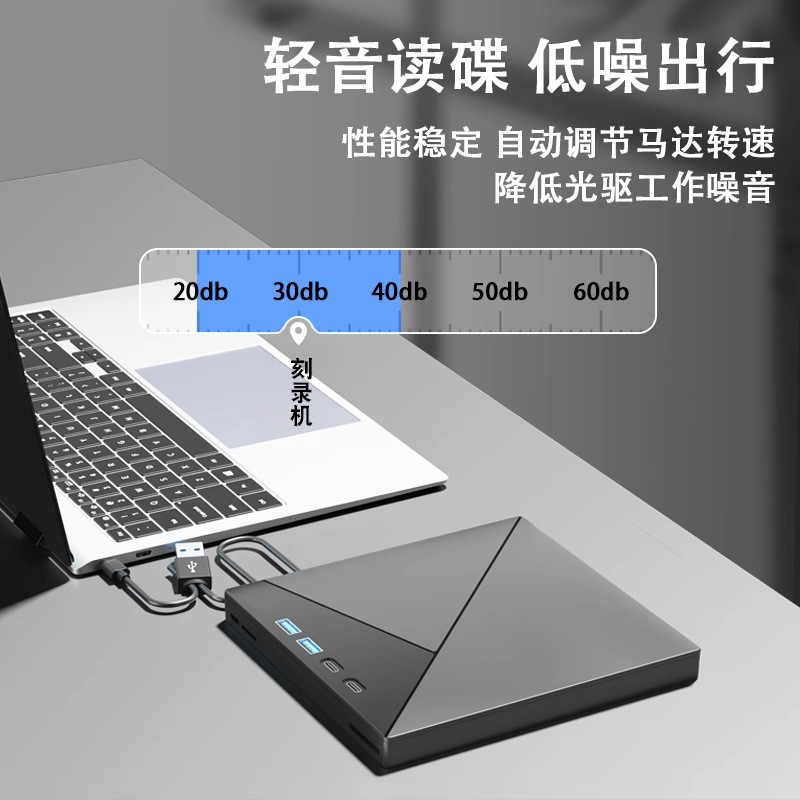
It reads discs quietly, operates with low noise, has stable performance, and can automatically adjust the motor speed to effectively reduce operating noise.
It's easy to operate; burning can be completed in just three steps: insert a blank disc, open the burning software, drag the files you want to burn onto the disc, and eject the disc to complete the burning process.
The concealed, integrated data cable eliminates the need for additional cables, and its dual USB 3.0 and Type-C interfaces offer wider compatibility. Equipped with a separate power cable, it provides more stable power and easily supports high-capacity read and write operations.


